
Toggl Track is where most people start with time tracking. It’s free for one person, it runs on almost every device, and its reports are good. Plenty of people use it for years and never look elsewhere.
Others start to feel the friction. The timer hides in a browser tab you forget to check. Billable rates need a paid plan. Every hour you log goes to Toggl’s servers. If you work alone, part of what you pay for is team features you never touch.
If that sounds familiar, Tim, a menu bar time tracker for Mac, may fit you better. Here is how the two compare.
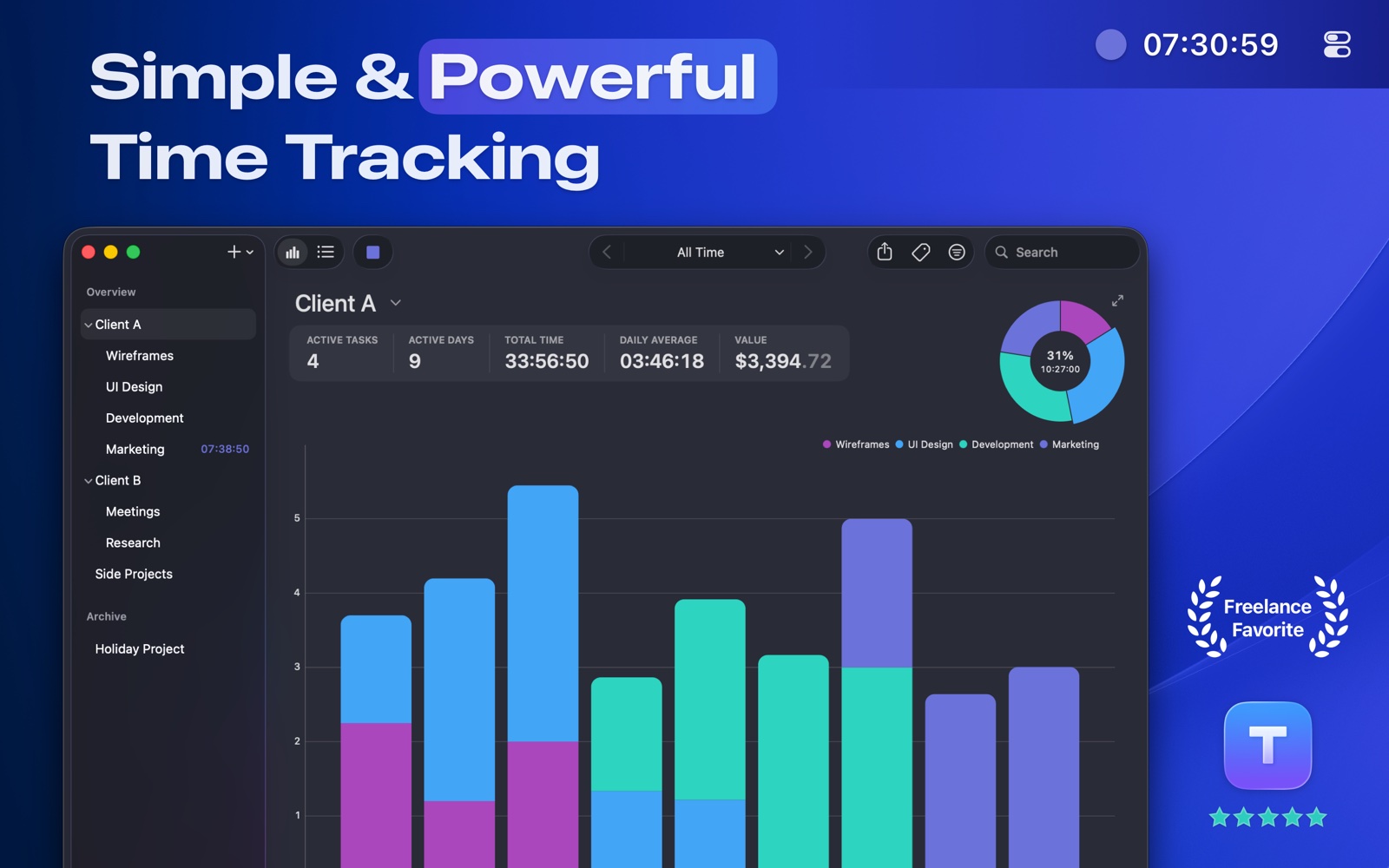
Tim and Toggl Track side by side
| Tim | Toggl Track | |
|---|---|---|
| Platforms | Mac | Mac, Windows, iPhone, Android, web |
| Account required | No | Yes |
| Where your data lives | On your Mac | Toggl’s servers |
| Billable rates | Yes, on the free version | Starter plan and up |
| Invoices | PDF invoices with tax and terms | Basic invoices from reports |
| Idle detection | Yes | Yes, in the desktop apps |
| Automation | AppleScript, Shortcuts, tim:// links | Web API |
| Price | Free, or Pro for $24.99 one time | Free, or $9 a month per user on Starter (yearly) |
Prices are from October 2026. Check both sites before you decide.
When Toggl Track is the right choice
Stay with Toggl if you track time on Windows, Android or in a browser. It’s also the better fit when you work in a team and someone needs everyone’s hours in one report. Its integrations with project tools go further than Tim’s too.
Tim is made for one person on a Mac. If that isn’t you, Toggl is a good tool and you should keep it.
When Tim is the better choice
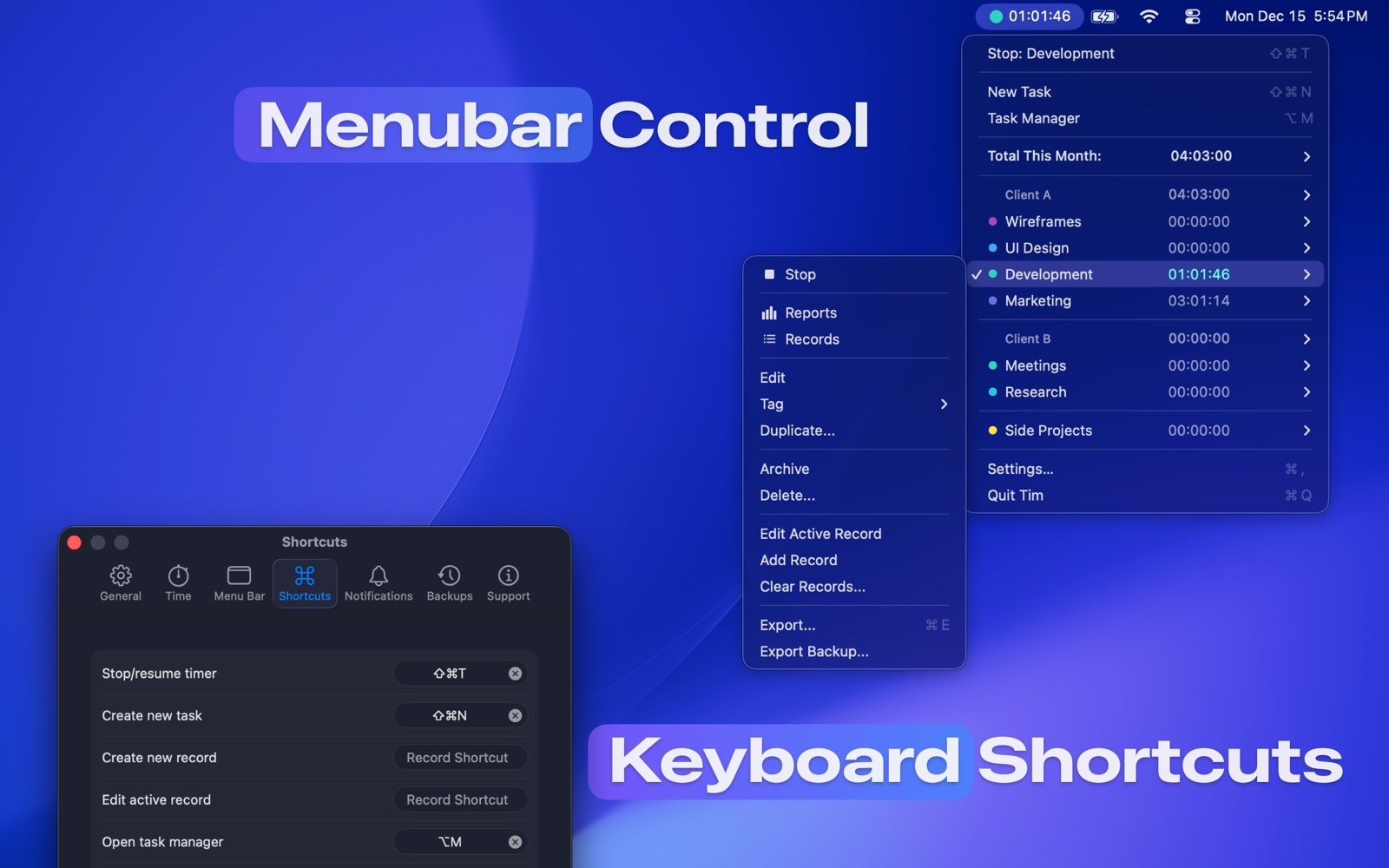
The timer lives in your menu bar
Tim shows the running task and its time in the menu bar all day. Click it to switch tasks or see how long each one has run this month. Keyboard shortcuts start and stop the timer from any app, so you never have to find a window first.
Your data stays on your Mac
There’s no account to create. Your time records stay on your Mac, and you can export everything to CSV or JSON whenever you like.
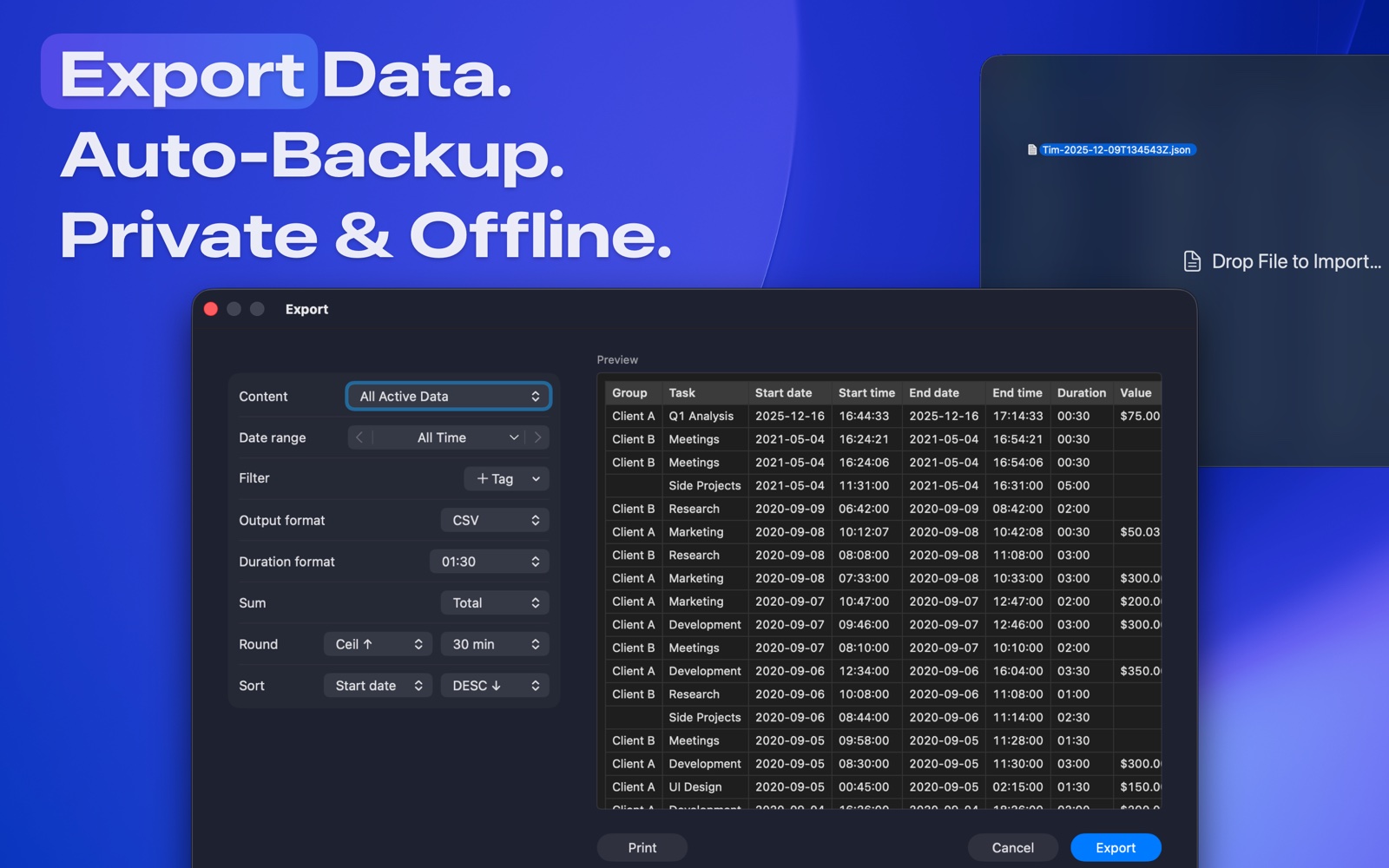
Rates and invoices are built in
Set an hourly rate on a task or on a whole client group. Tim shows what you’ve earned next to your hours. At the end of the month, make an invoice from the time you tracked. Tim adds up the totals, applies your tax and payment terms, and saves a PDF ready to send.
You can pay once
Tim is free to download. Pro costs $24.99 one time, which is less than three months of Toggl’s Starter plan. If you’d rather subscribe, there are monthly and yearly plans too.
Idle time doesn’t sneak into your invoices
If you walk away and leave the timer running, Tim notices. When you come back, it asks what to do with the time you were away.
It works with the rest of your Mac
Tim supports AppleScript, Shortcuts, Spotlight and tim:// links. Start a timer from a Shortcut, log time from a script, or jump to a task from Spotlight.
How to switch from Toggl to Tim
- In Toggl Track, open Reports and export your time entries. Keep the file as your record of past work.
- Install Tim from the Mac App Store.
- Make a group for each client and set your hourly rate on it.
- Add a task for each project, then start the timer from the menu bar.
Starting fresh is usually quicker than moving old entries across. The Toggl export keeps your history safe.
Try both for a week
Time trackers are personal. The best way to decide is to use Tim for one real work week, next to Toggl if you like. If the menu bar timer means you stop forgetting to track, you have your answer.
Still comparing? Our guide to the best Mac time trackers for freelancers also covers Timing and Clockify.